Syncing notes with Accuro
For clinics that use Accuro, CleverConsult connects at both ends of the day. It pulls your schedule across in the morning, and it pushes finished notes back into the chart when you are done with them.
Starting your clinic
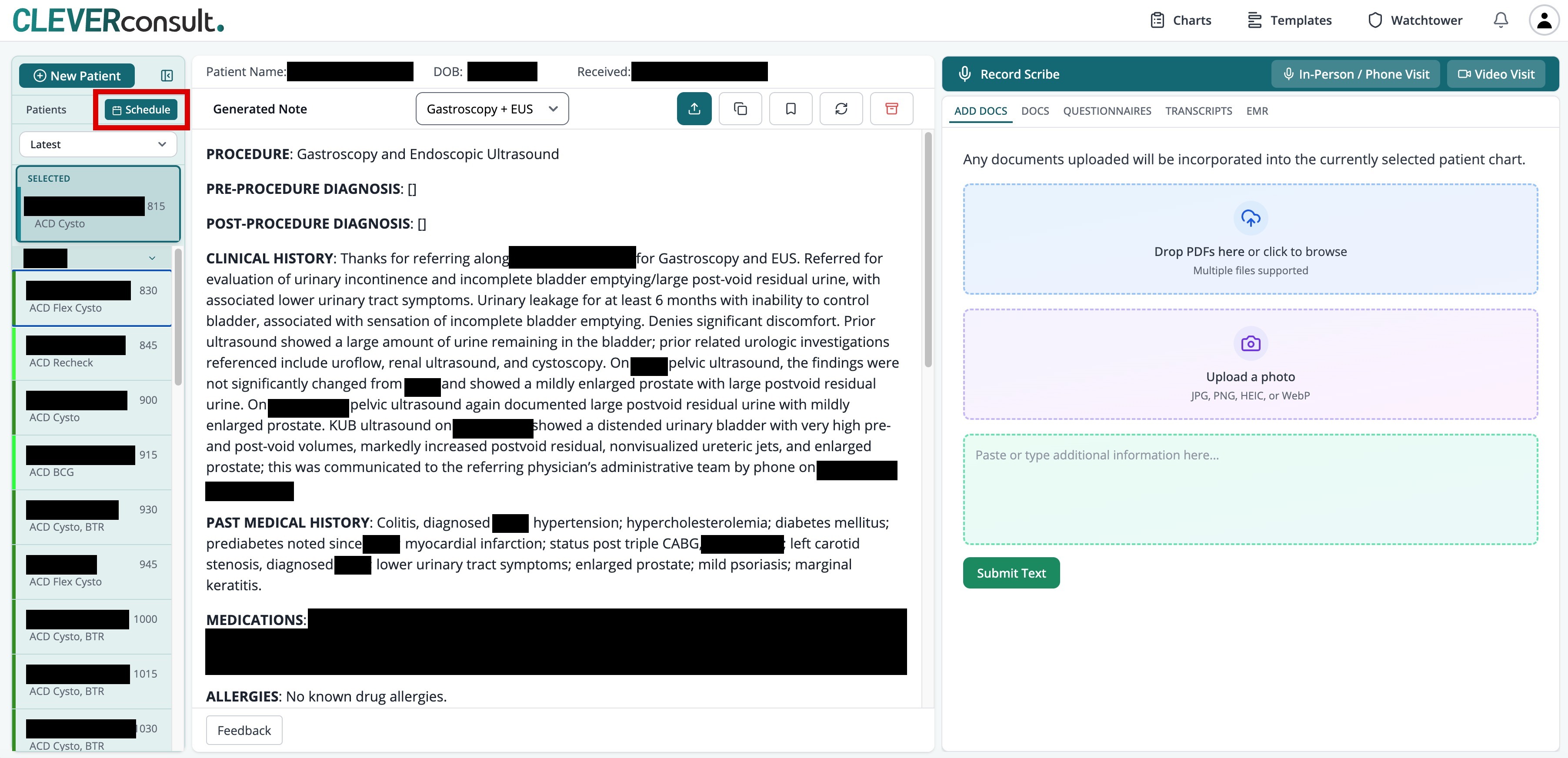
Every morning CleverConsult pulls your day sheet and the associated patient information from Accuro, so your day appears already populated. Each patient is there to open, with their referrals already attached. The day is simply there when you arrive. The Schedule button at the top of the patient list, highlighted below, shows the day's appointments.
Publishing a finished note
Review and correct the note as you normally would, then press Publish to Accuro, which is the teal icon at the start of the row of controls above the generated note.
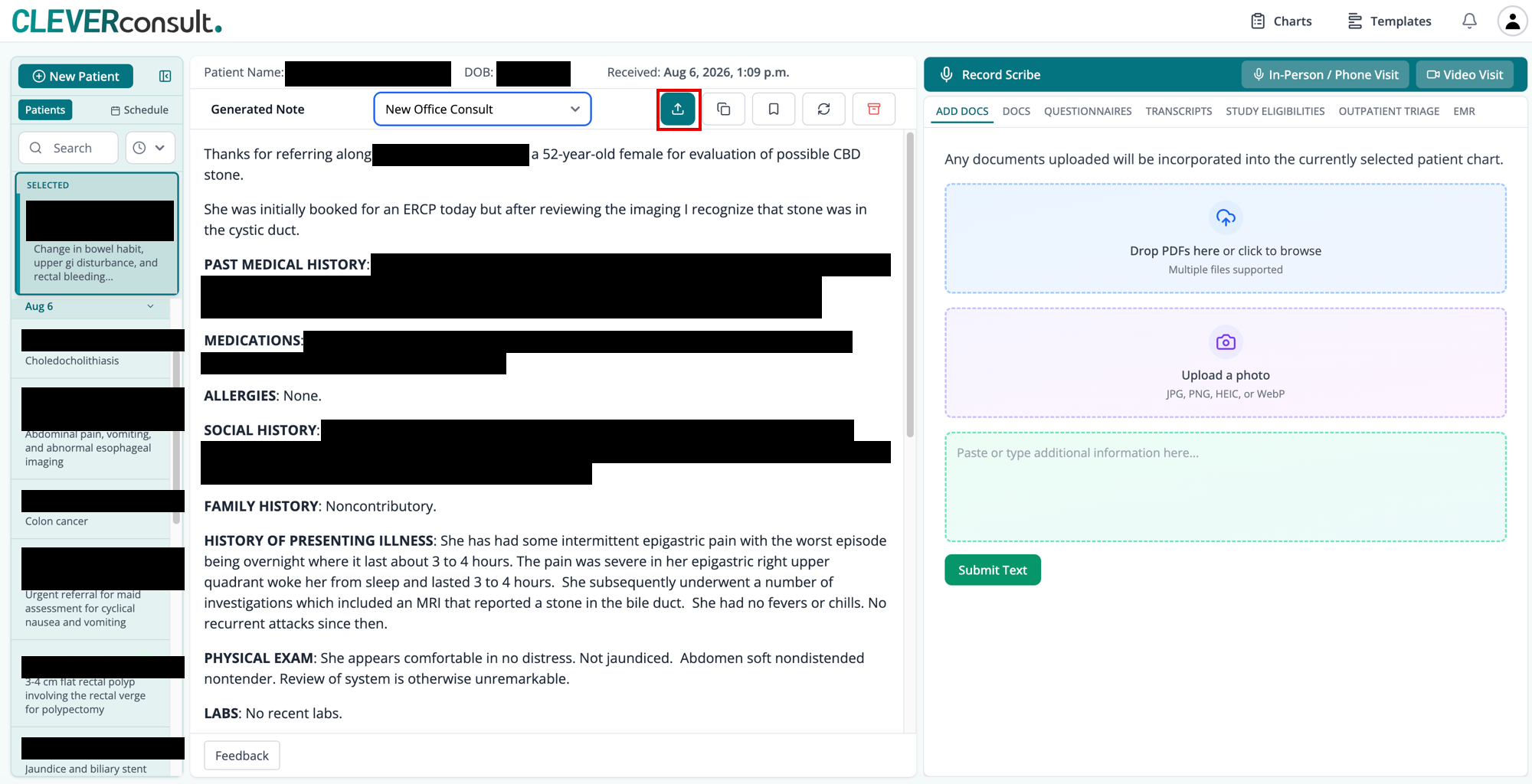
The note goes straight into that patient's chart, in one step.
If your clinic uses another EMR
Everything above depends on the Accuro integration. With another EMR, your referral packages reach CleverConsult by fax, upload or paste, as described in Sending referral packages and How the pre-consult note works. From there you finish notes in exactly the same way, and use Copy and export at the end.
Frequently asked questions
What happens if someone mistypes a patient's name?
The name comes across from Accuro with the appointment. CleverConsult matches on that appointment and ties each note to the scheduled patient the moment the note is created, so every note lands on the right chart.